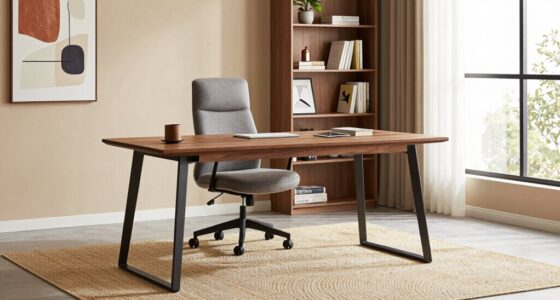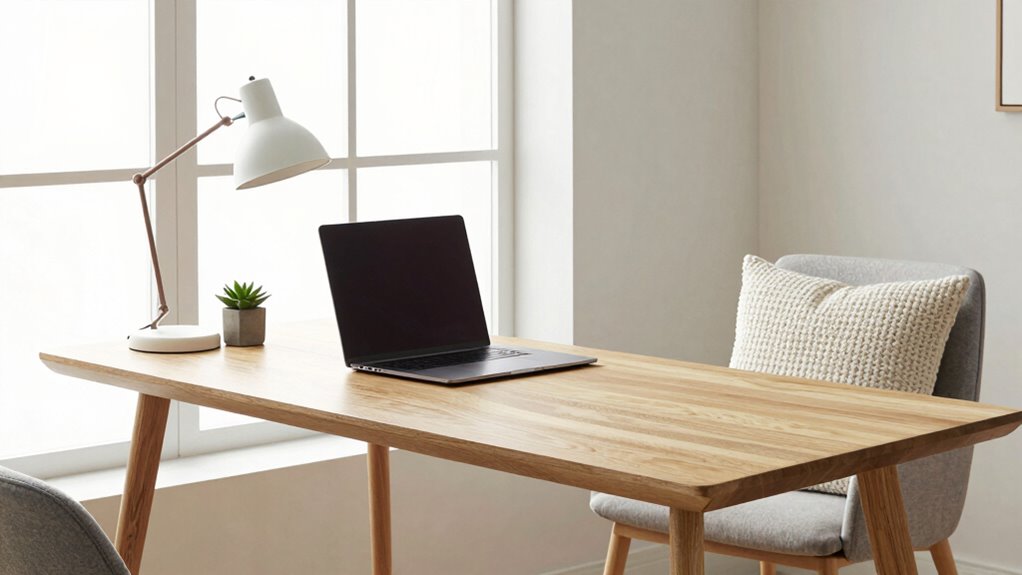

To quickly improve your room, place your desk near a window for abundant natural light that boosts energy and mood while avoiding glare. Position your monitor at eye level and keep essential tools within arm’s reach to support good posture and reduce clutter. Use vertical storage to keep surfaces clear, creating an organized, inviting space. Small changes like adjusting lighting and desk placement can make a big difference—stay tuned for more tips to optimize your setup.
Key Takeaways
- Position the desk near a window for natural light, ensuring even illumination without glare on screens.
- Place the desk against a wall with a view of the room to create an open, inviting workspace.
- Use vertical storage solutions to keep surfaces clear and maximize available space quickly.
- Angle the desk to optimize lighting and reduce screen glare, enhancing focus and comfort.
- Incorporate eco-friendly furniture and organized layout for a sustainable, efficient workspace improvement.
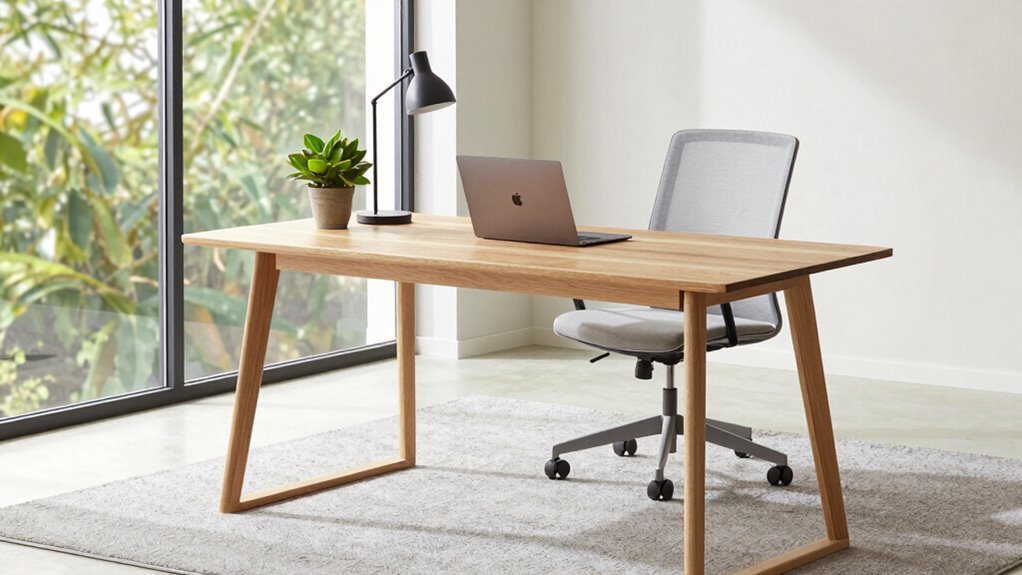
If your room feels cluttered or uninspired, the way you position your desk can make a quick, noticeable difference. The right placement can transform your space into a more productive, inviting area. Start by considering an ergonomic setup. Your desk should be positioned so that your monitor is at eye level, and your chair supports good posture. This means placing your desk in a way that allows your arms to rest comfortably at a 90-degree angle and your feet flat on the floor. An ergonomic setup reduces strain and keeps you comfortable during long work or study sessions. It’s best to avoid placing your desk in a way that forces you to hunch over or stretch awkwardly. Instead, look for a spot where your workspace aligns with your natural body position, making it easier to stay focused and prevent discomfort. Additionally, desk placement can influence how you feel about your workspace, impacting your motivation and overall mood. Natural lighting plays an essential role in enhancing your room’s ambiance and productivity. Whenever possible, position your desk near a window to maximize natural light. Sunlight not only brightens your space but also boosts your mood and energy levels. If your room has a large window, place your desk so that the light falls evenly across your workspace without causing glare on your screen. Avoid facing your back to the window, as this can cause your screen to become difficult to see due to backlighting. Instead, angle your desk so that the light comes from the side or slightly from above. This setup reduces eye strain and creates a more inviting atmosphere. If natural light is limited, supplement with well-placed artificial lighting that mimics daylight. A desk lamp with adjustable brightness can help you maintain a balanced, glare-free workspace. Another key idea is to avoid cluttering your desk with unnecessary items. Position your workspace in a way that keeps your essential tools within reach without overcrowding. Use vertical space or nearby shelves for storage to keep the surface clear. This not only improves focus but also makes the room feel more open and organized. When you think about the placement, consider how the space flows and how easy it is to access everything you need. It can also be helpful to optimize your workspace by arranging items in a way that promotes efficiency and reduces distractions. Incorporating well-designed storage solutions to keep your workspace tidy and efficient can make a significant difference. Incorporating eco-friendly and sustainable materials into your workspace setup can also contribute to a more environmentally conscious lifestyle. Additionally, choosing furniture and accessories made from sustainable materials can enhance your commitment to eco-friendliness. Ultimately, a well-positioned desk that emphasizes ergonomic principles and natural lighting will make your room more functional and comfortable, helping you feel more motivated and less stressed. Small adjustments can lead to a big difference, transforming your environment into a place where you want to spend time.

ErGear Height Adjustable Electric Standing Desk, 48 x 24 Inches Sit Stand up Desk, Memory Computer Home Office Desk, Black
Electric Height Adjustable Standing Desk for Comfortable Work – Switch effortlessly between sitting and standing with this electric…
As an affiliate, we earn on qualifying purchases.
As an affiliate, we earn on qualifying purchases.
Frequently Asked Questions
How Can I Maximize Natural Light for My Desk?
To maximize natural light for your desk, position it near a window to take full advantage of sunlight enhancement. Keep window treatments light and airy, such as sheer curtains, to allow maximum daylight while reducing glare. Avoid blocking the windows with bulky furniture. You might also consider placing your desk diagonally or using mirrors to reflect light around the room, creating a brighter, more inviting workspace.
What Are Space-Saving Desk Placement Tips?
To save space, consider using modular furniture that you can customize to fit your room. Wall-mounted desks are a great option—they free up floor space and make your room appear larger. Position your desk against a wall or in a corner to maximize space efficiency. Combining these ideas helps you create a functional workspace without clutter, ensuring your room feels open and organized.
How to Reduce Glare on Computer Screens?
To reduce glare on your computer screens, start by adjusting your monitor positioning. Keep the screen at eye level and angle it to minimize reflections from windows or lights. Use curtains or blinds to control natural light, and consider adding an anti-glare screen or matte filter. Position your desk away from direct light sources, ensuring your workspace remains comfortable and glare-free, which helps improve your focus and reduces eye strain.
What Are Ergonomic Desk Positioning Tips?
Like a well-tuned instrument, your workspace needs perfect harmony. You should position your desk so your monitor is at eye level, avoiding neck strain, and keep your feet flat on the floor. Use adjustable height desks and ergonomic accessories like wrist rests and lumbar supports to customize comfort. Make sure your keyboard and mouse are close enough to prevent reaching, and take regular breaks to maintain good posture and reduce fatigue.
How Can I Improve Privacy at My Desk?
To improve privacy at your desk, you can add privacy screens or soundproof panels. Privacy screens block visual distractions, helping you focus, while soundproof panels reduce noise, creating a more secluded environment. Position these elements strategically around your workspace, like behind your monitor or along side walls. This setup fosters better concentration and keeps your work confidential, making your desk area more private and comfortable for extended periods.

Moragin Light Therapy Lamp, 10000 Lux Natural Light Lamp Therapy Lamp with Remote Control, Sun Lamp 3 Color Temperature & Timer, Touch Control, Daylight Lamp for Home, Office, Bedroom
360° Light Up Space: Compared to other single-sided light lamps, our sunlight lamp provides 360° brightness, and can…
As an affiliate, we earn on qualifying purchases.
As an affiliate, we earn on qualifying purchases.
Conclusion
By shifting your desk and experimenting with placement, you’re fundamentally giving your room a fresh new heartbeat. Think of your space as a canvas—each move adds a splash of harmony and purpose. With just a few strategic tweaks, your room transforms into a sanctuary of productivity and peace. So, embrace these ideas, let your creativity flow, and watch your space bloom into a vibrant, inspiring haven where every corner feels just right.
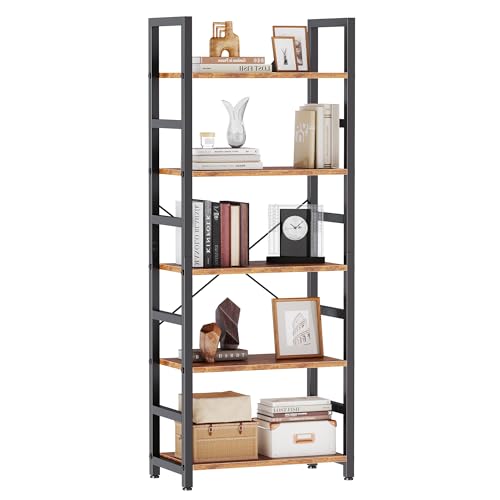
DUMOS 5-Tier Bookshelf, Modern Tall Bookcase
Compact & Sturdy Build: This bookcase measures 11.81"D x 23.62"W x 62.2"H, crafted from thick wood panels and…
As an affiliate, we earn on qualifying purchases.
As an affiliate, we earn on qualifying purchases.

Amazon Basics Height Adjustable Monitor Stand Riser with Storage Organizer, 3-Level Stackable Design, Durable ABS Plastic, Supports up to 22lbs, for Monitors & Laptops, Black
Clear Dimensions with Tapered Design: Top surface measures approx. 11.6 inches x 11 inches (W at center), with…
As an affiliate, we earn on qualifying purchases.
As an affiliate, we earn on qualifying purchases.